Boost
Latency, game priority and background processes, tuned with simple switches. If a tweak has a downside, it says so right there.
For Windows 10 and 11
Everything you used to hunt for in menus, the registry and tutorials, in one app. Pick a preset, see what changes, and go back anytime.
Features
Latency, game priority and background processes, tuned with simple switches. If a tweak has a downside, it says so right there.
Gaming, Gaming + Desktop or Complete. The list comes ticked, and you can change it before applying.
Puts your PC under load and tells you when it needs cleaning or new thermal paste.
Load, temperatures and disks, with a clear status from Excellent to Too high.
Checks the services OGLand needs and clears FiveM crash files in one click.
Creates a restore point before a preset, so there is always a way back.
How it works
One file, nothing to install. Run it and accept administrator rights.
No new passwords. Your account is only used for access.
Send the request from the app, and it opens by itself once approved.
A preset or single tweaks. A restore point is created, then you restart.
Try it
Tick a few and find out what happens in Windows. Nothing on this page touches your PC.
Game Focus
Your game gets priority over background apps.
Hardware GPU Scheduling
The graphics card manages its own memory.
Some changes need a restart
The app
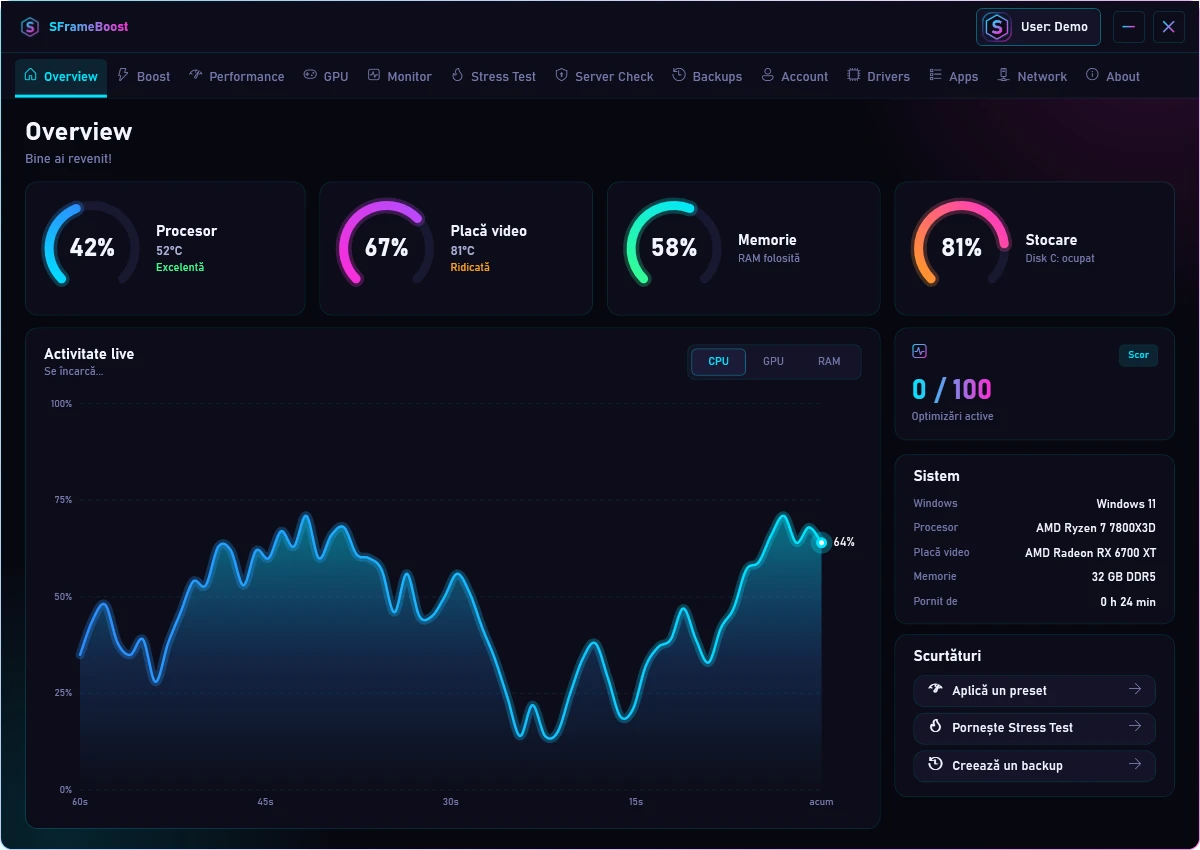
Screenshots from the app, with sample data.
Download
Download one file and run it. Access is approved after you sign in with Discord.
The file is not signed yet, so Windows may show a warning. Choose More info, then Run anyway.
CPU temperature and the Stress Test need PawnIO, a signed optional driver. The app offers to install it when needed.
FAQ
It depends on your PC. Some systems gain noticeably, others only a little. SFrameBoost gets Windows out of the way, but it cannot replace a weak component.
Yes. Tweaks turn off with the same switch, and a restore point is created before a preset.
Access is approved per account. Your Discord name and a PC identifier are stored.
The file has no code signature yet, and Windows SmartScreen warns about programs like that.
SFrameBoost changes Windows settings and injects nothing into the game. Each server has its own rules, so check them if in doubt.
No. Tweaks that lower protection, like Memory Integrity Off, are marked and stay your choice.